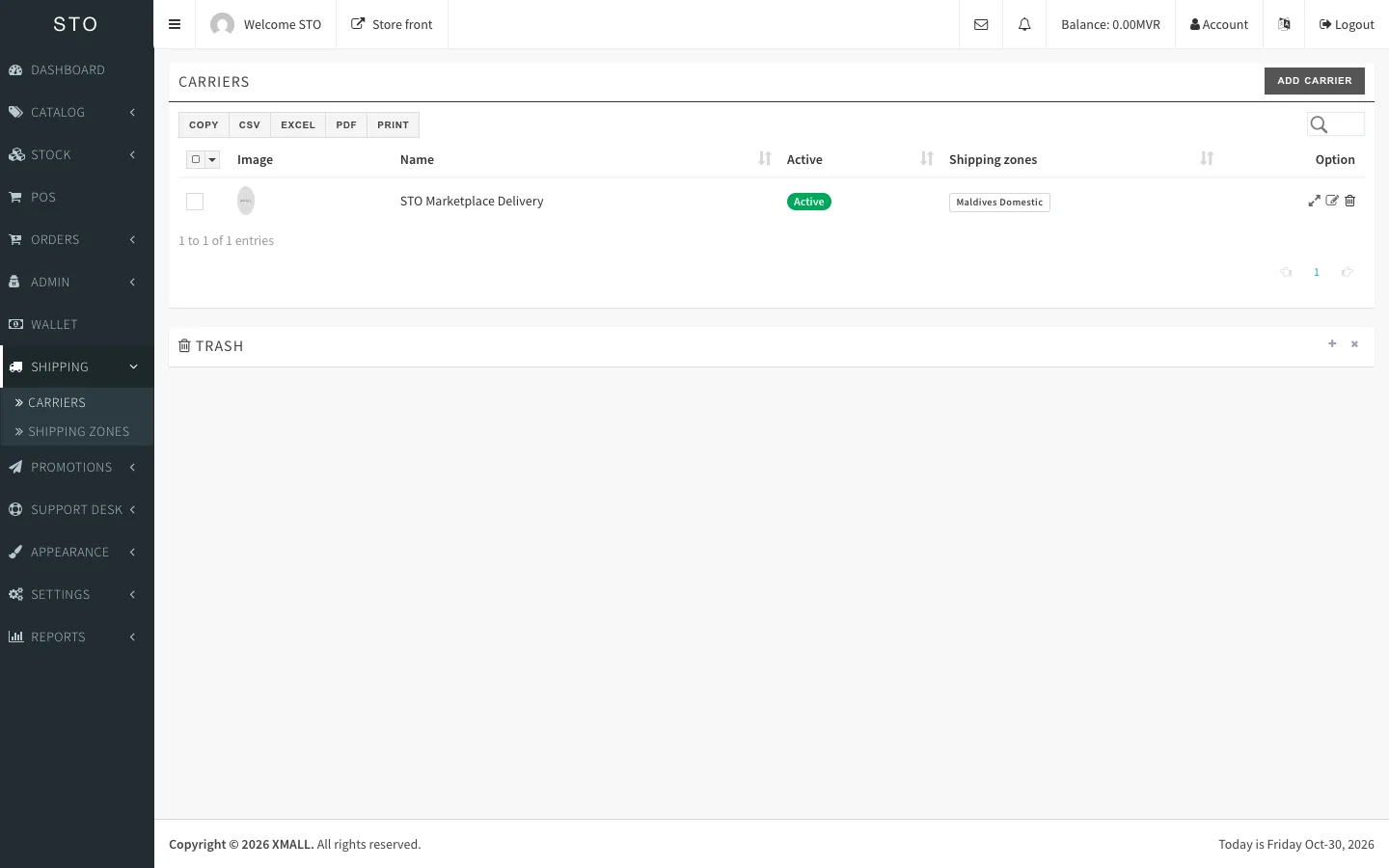
Shipping Zones and Carriers
A shipping zone is a group of places you deliver to, with one or more rates. A rate can depend on price or weight and shows the carrier and delivery time.
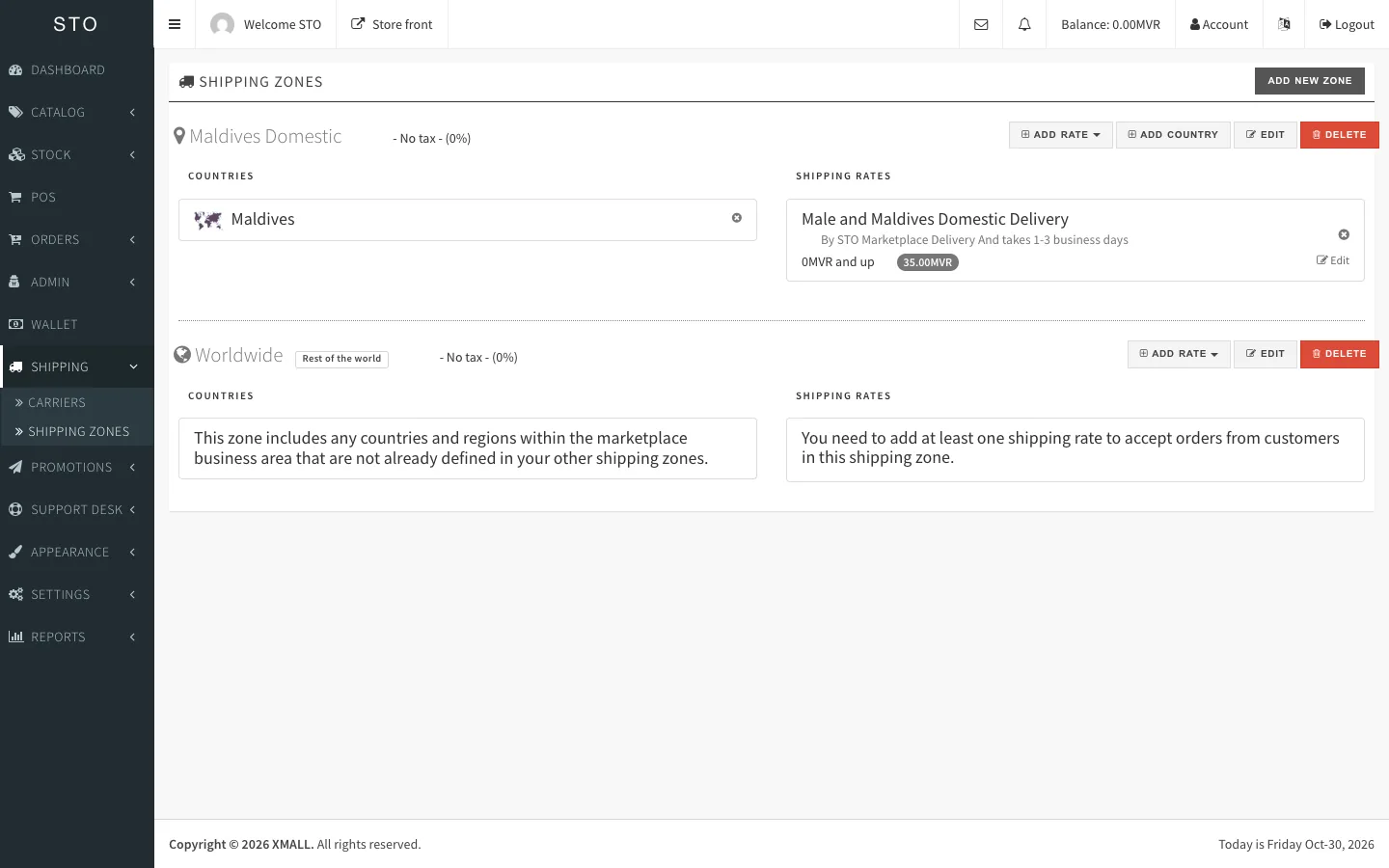
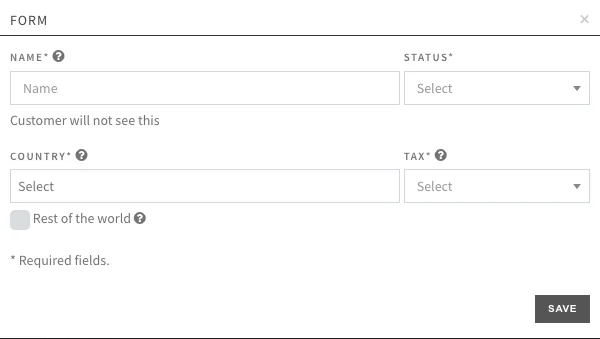
- Open Shipping › Shipping Zones and select Add New Zone.
- Name the zone and choose its countries and atolls.
- Select Add Rate: name it, choose the carrier, the delivery time, and the price or weight range and cost. Tick free shipping if it applies.
Add your own delivery service or courier companies under Shipping › Carriers, with a tracking link if they have one.