Register as a Merchant
Open Sell on XMALL on the website, or go to the merchant sign-in page and choose Register as a merchant.

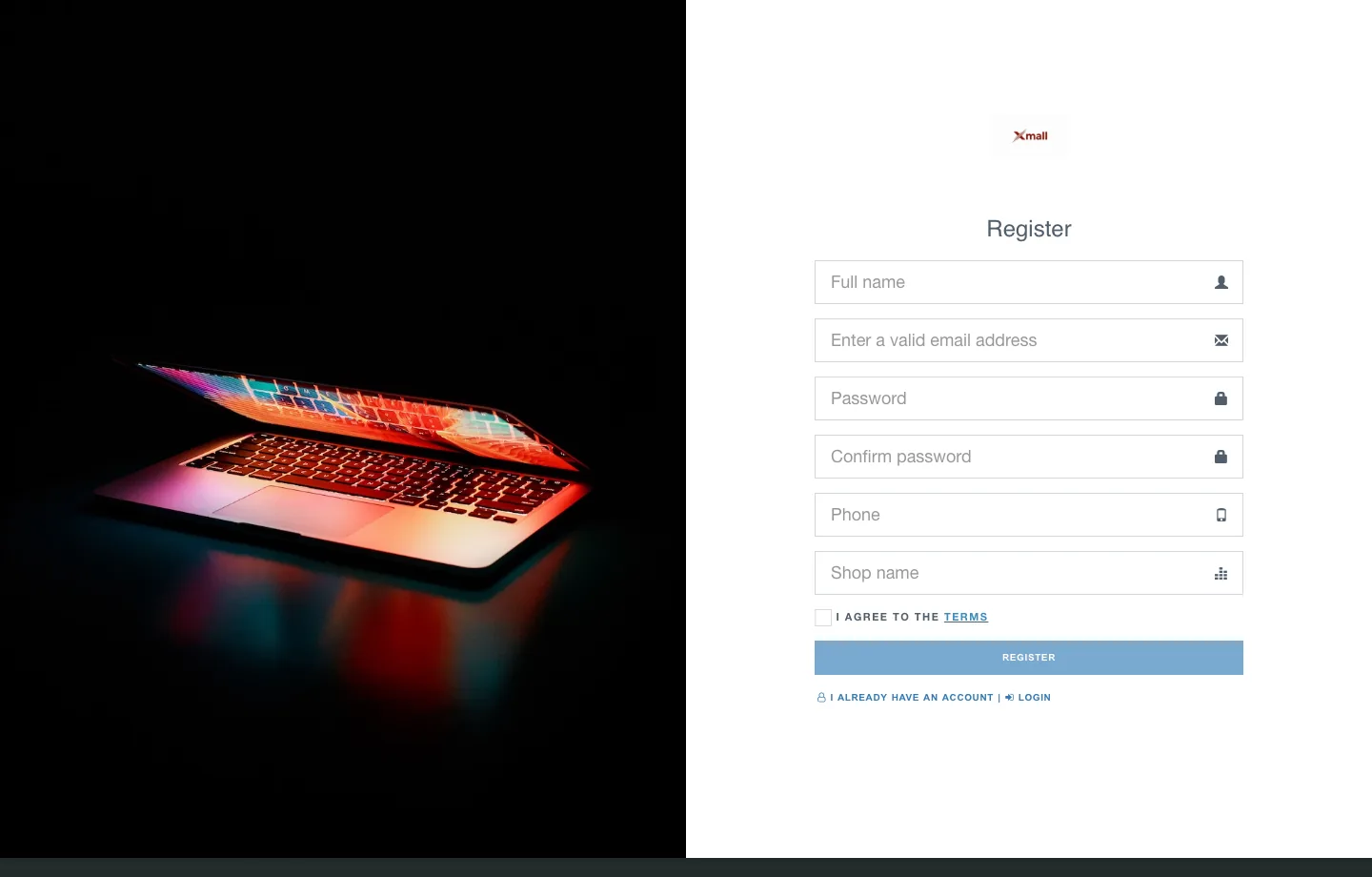
- Enter your full name, email address and a password (twice).
- Enter your phone number and your shop name.
- Tick I agree to the terms and select Register.
- Confirm your email address from the message XMALL sends you.
Your shop is created straight away, but it stays hidden from customers until XMALL approves it. Use the time to complete your shop settings and upload your verification documents.