Bulk Upload with CSV
For many items at once, use CSV Import to add new listings and CSV Update to change prices and stock in bulk. Download the template from the upload window, fill it in, and upload it.
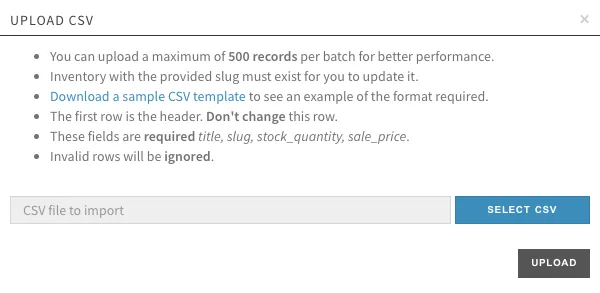
Check before uploading
Upload at most 500 rows per file. Do not change the header row. The columns title, slug, stock_quantity and sale_price are required, and for CSV Update the listing with that slug must already exist. Invalid rows are ignored.