Add Stock for an Existing Product
If the product already exists on XMALL, you only add your offer.
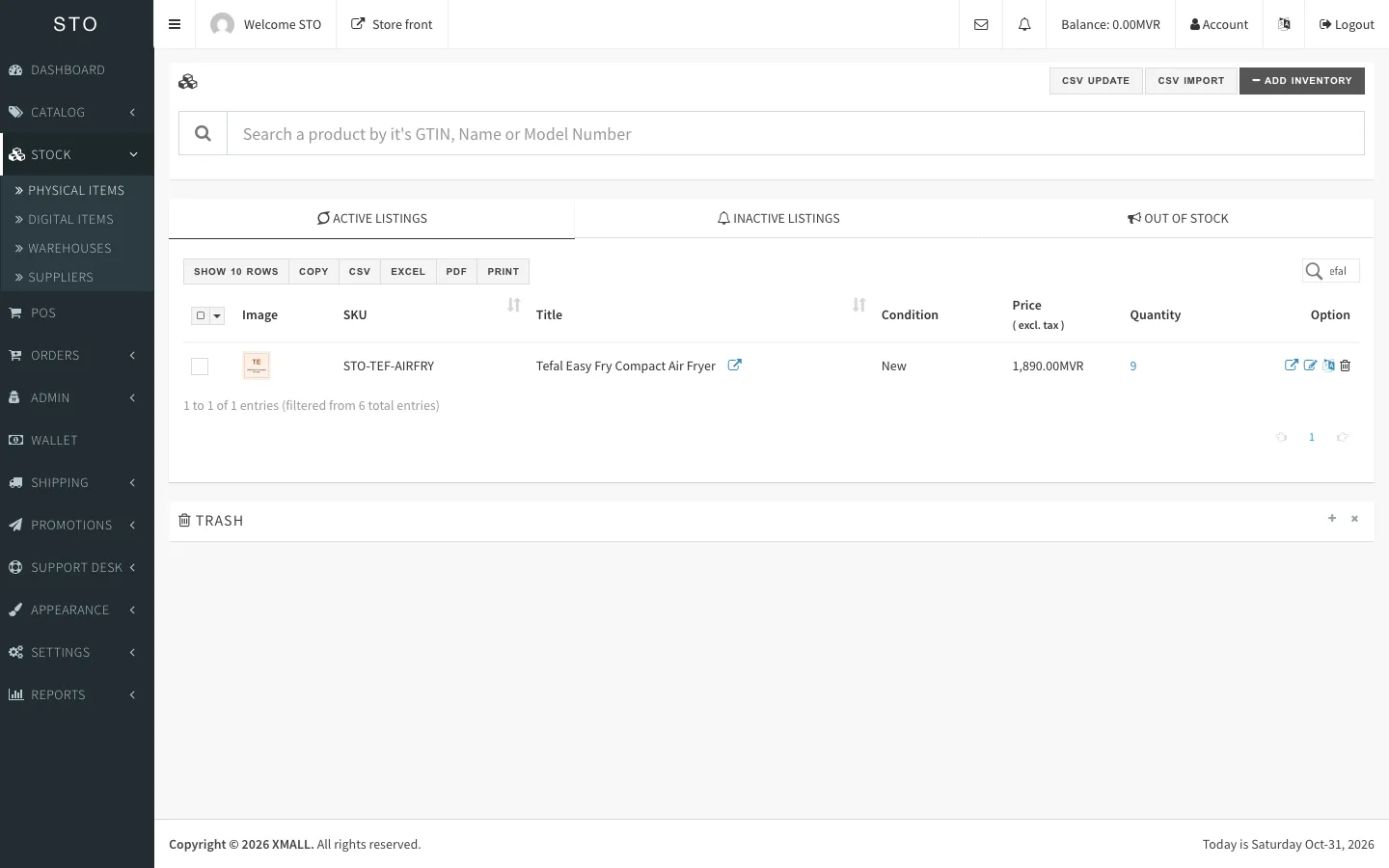
- Open Stock › Physical Items.
- Search by GTIN (barcode), name or model number in the search box at the top.
- Choose the product from the results and select Add to inventory.
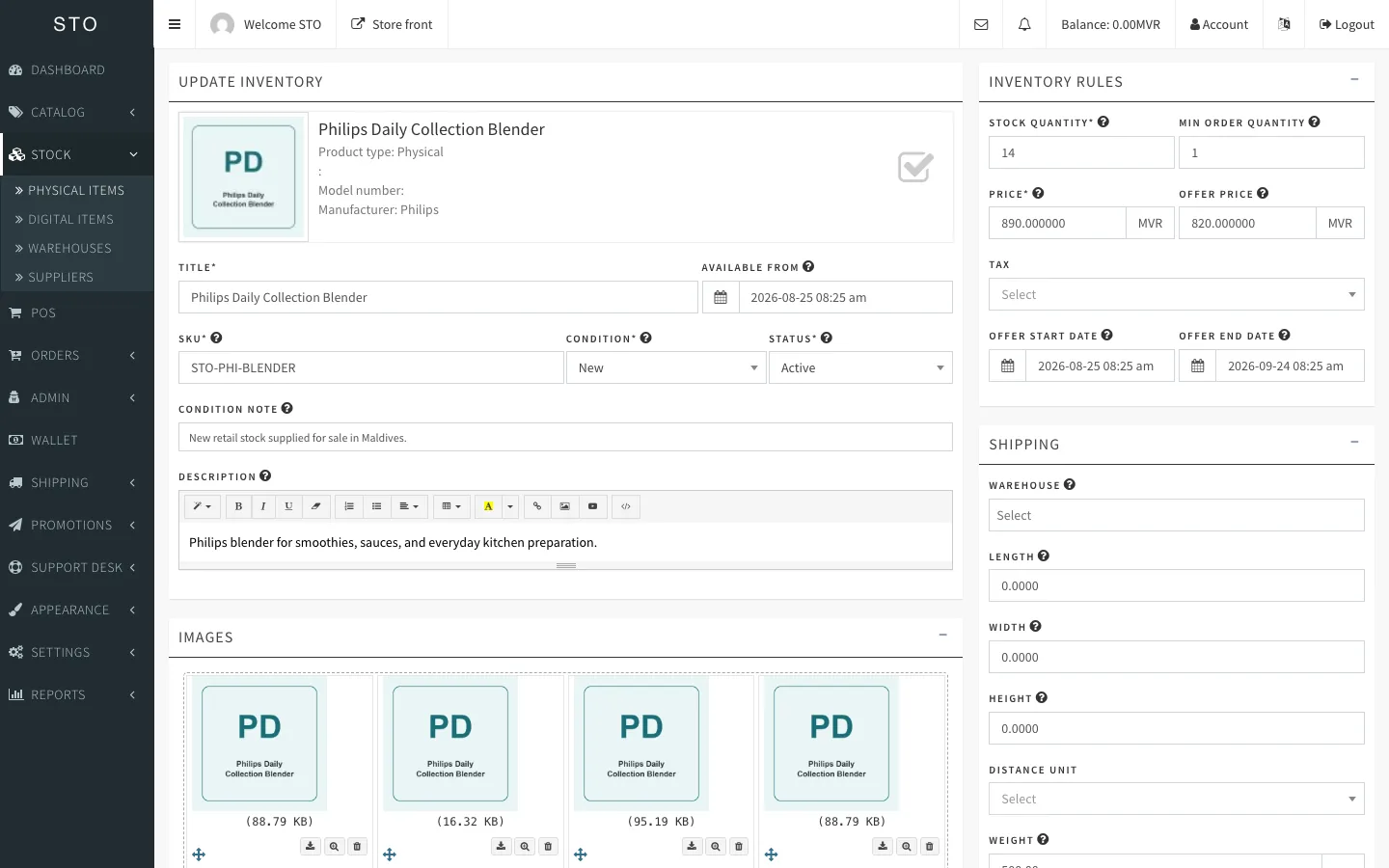
- Enter your SKU, condition, price, stock quantity, and any offer price and dates. Add images, key features and SEO text if you wish.
- Save. If XMALL requires product approval, your listing goes live once it is approved.