Cancel an Order
You can ask to cancel an order, or some of its items, from the order page until the shop ships it.
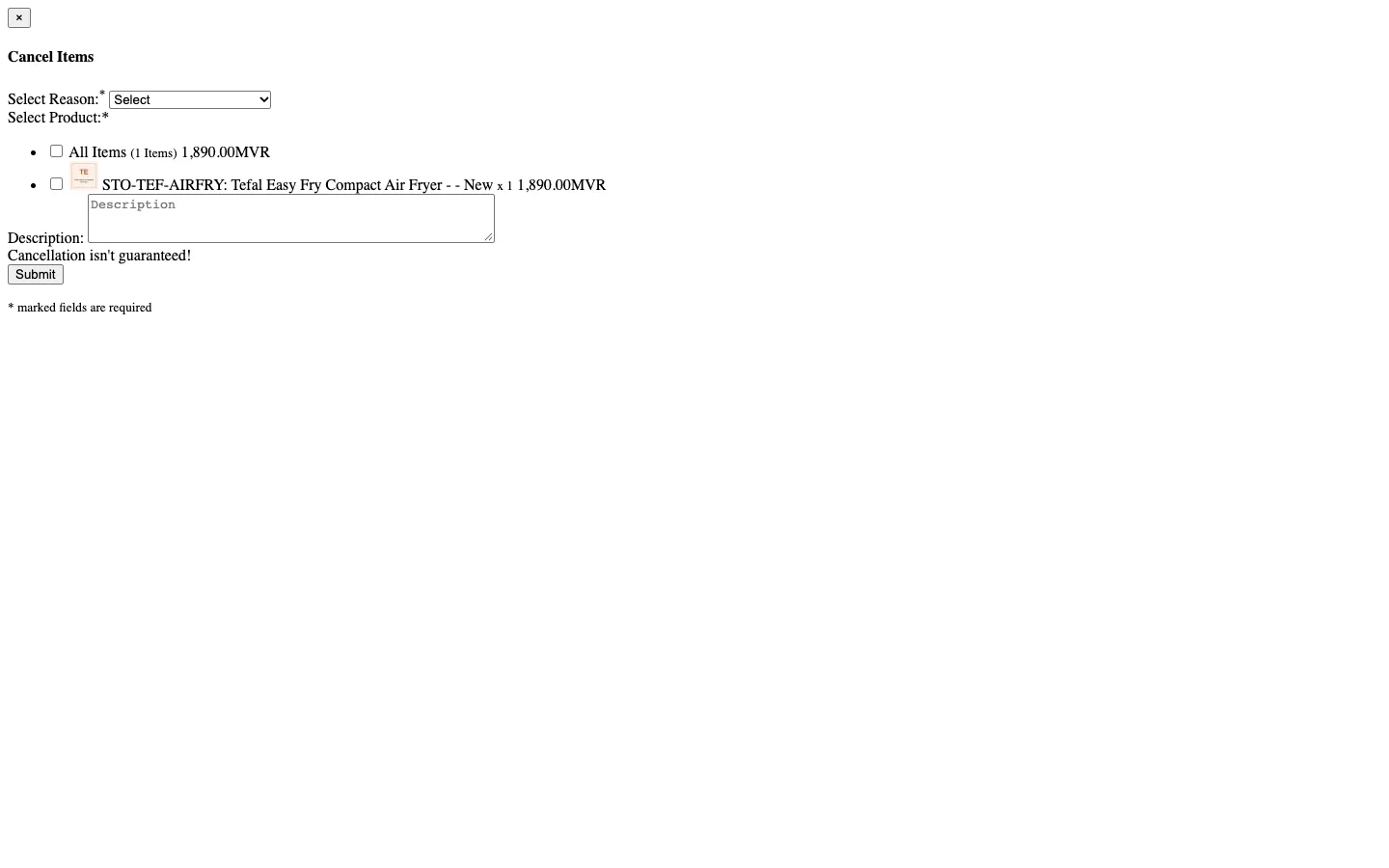
- Open the order and choose Cancel Items.
- Select a reason (for example "Order created by mistake" or "Wrong shipping address").
- Choose all items or only some of them, and add a description if you wish.
- Select Submit. The shop reviews the request and you are notified of its decision.
Note
Cancellation is not guaranteed: once the shop has shipped the order, it may decline the request. You can then open a dispute after delivery.
If you already paid, the refund goes back to your original payment method once the cancellation is approved.