Sign In and Reset Your Password
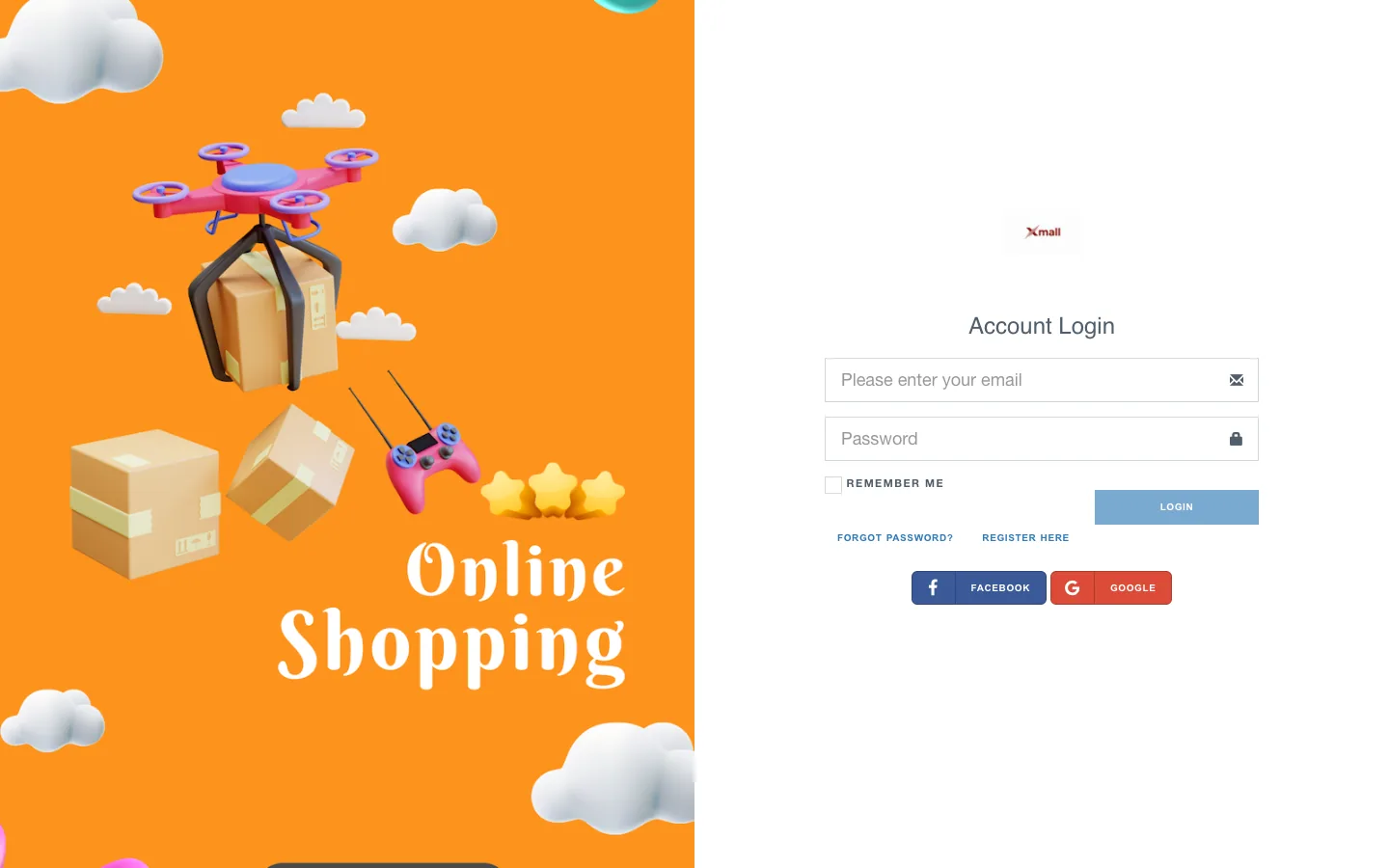
Select Sign in at the top of the page. A sign-in box opens; enter the email and password you registered with. You can also open the full sign-in page at /customer/login.
Forgot your password?
- On the sign-in page, choose Forgot password.
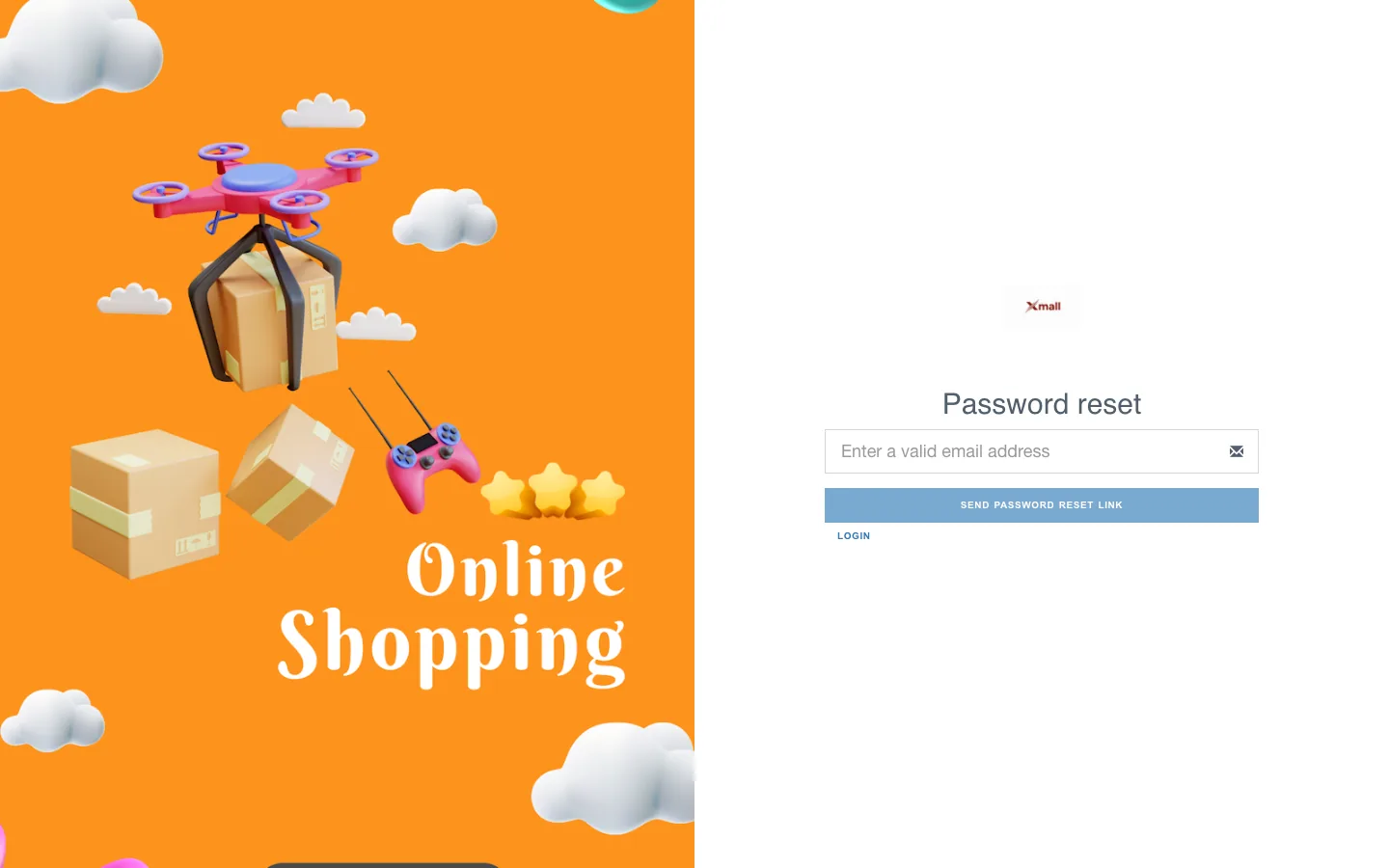
- Enter your email address and submit.
- Open the reset link sent to your email and choose a new password.
Note
For your security, repeated failed sign-in attempts are paused for a minute before you can try again.