Your Cart
Open the cart with the cart icon at the top right. Items are grouped by shop, because each shop ships separately.
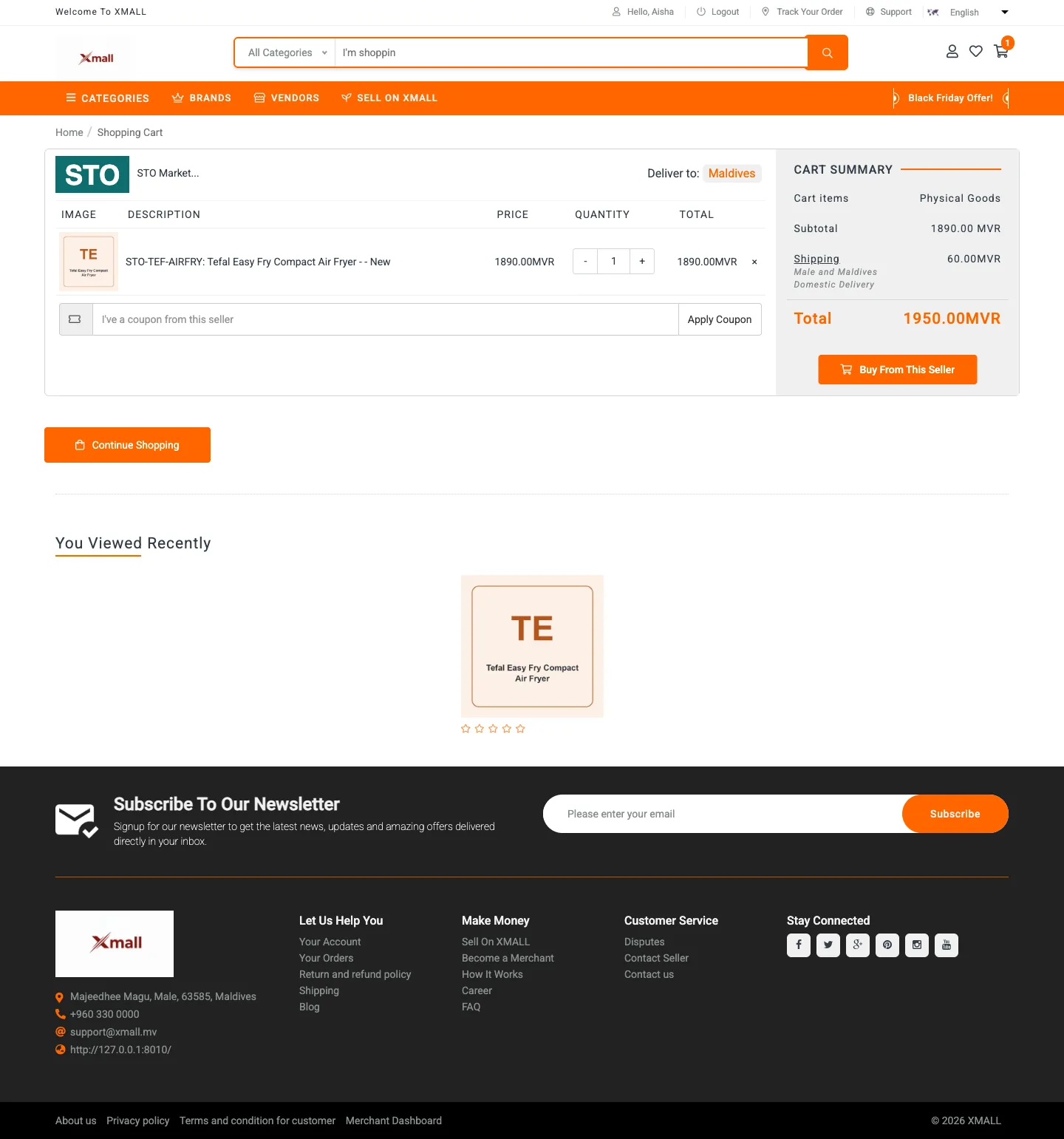
- Each shop's box shows its items, the Deliver to area and an Order Info summary: item count, subtotal, shipping and total.
- Change quantities or remove items, then select Update Cart.
- Enter a coupon code for that shop's items and select Apply Coupon.
- Select Buy From This Seller to check out that shop's items.
Note
Items in a cart are not reserved. If stock runs out before you pay, the item is removed and you are told at checkout.