Create an Account
Use the person icon at the top right of any page, or open the sign-in page and choose Register.
- Open the registration page.
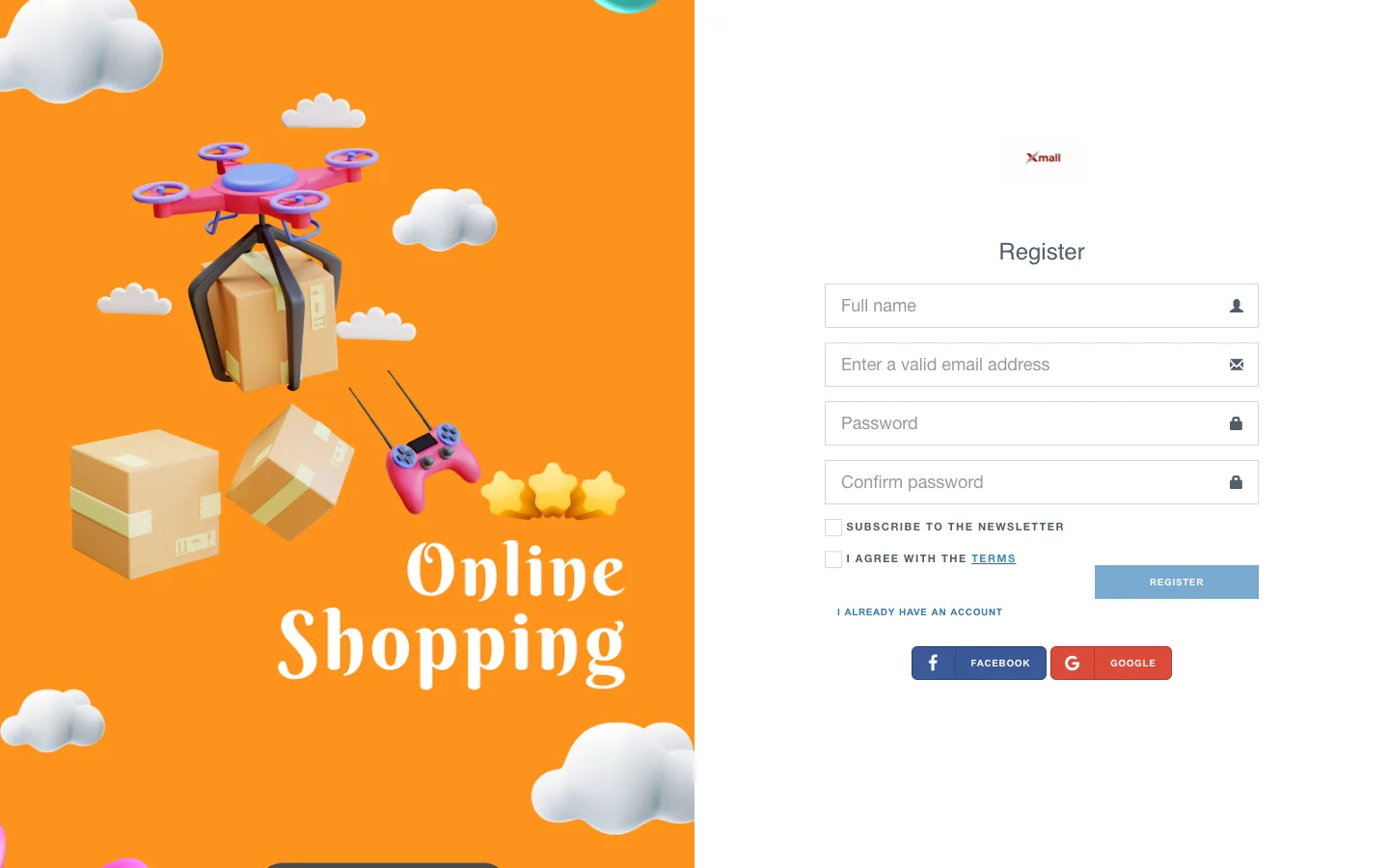
- Enter your name, email address and a password (at least 8 characters), then type the password again to confirm it.
- Tick the box to accept the terms and conditions.
- Select Register.
- Check your email: if XMALL asks you to verify your address, open the link in the message.
Selling instead of buying?
To open a shop on XMALL, use Sell on XMALL in the main menu instead. Seller accounts are separate from customer accounts; see the Merchant Guide.