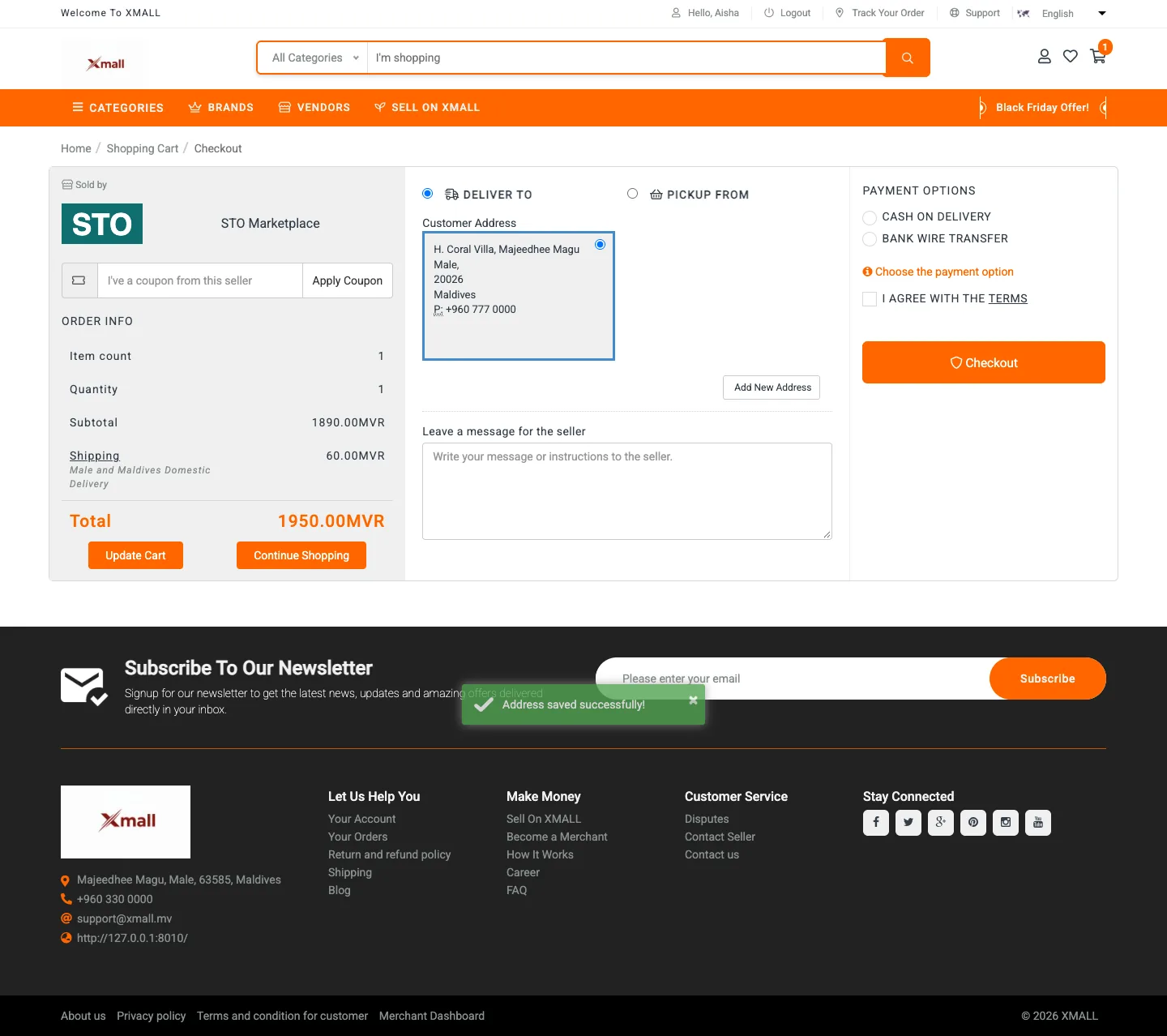
Checkout
- Sign in, or check out as a guest if XMALL has guest checkout switched on.
- Choose Deliver to to have the order delivered, or Pickup from to collect it from the shop where offered.
- Pick one of your saved addresses, or select Add New Address.
- Optionally type a note in Leave a message for the seller.
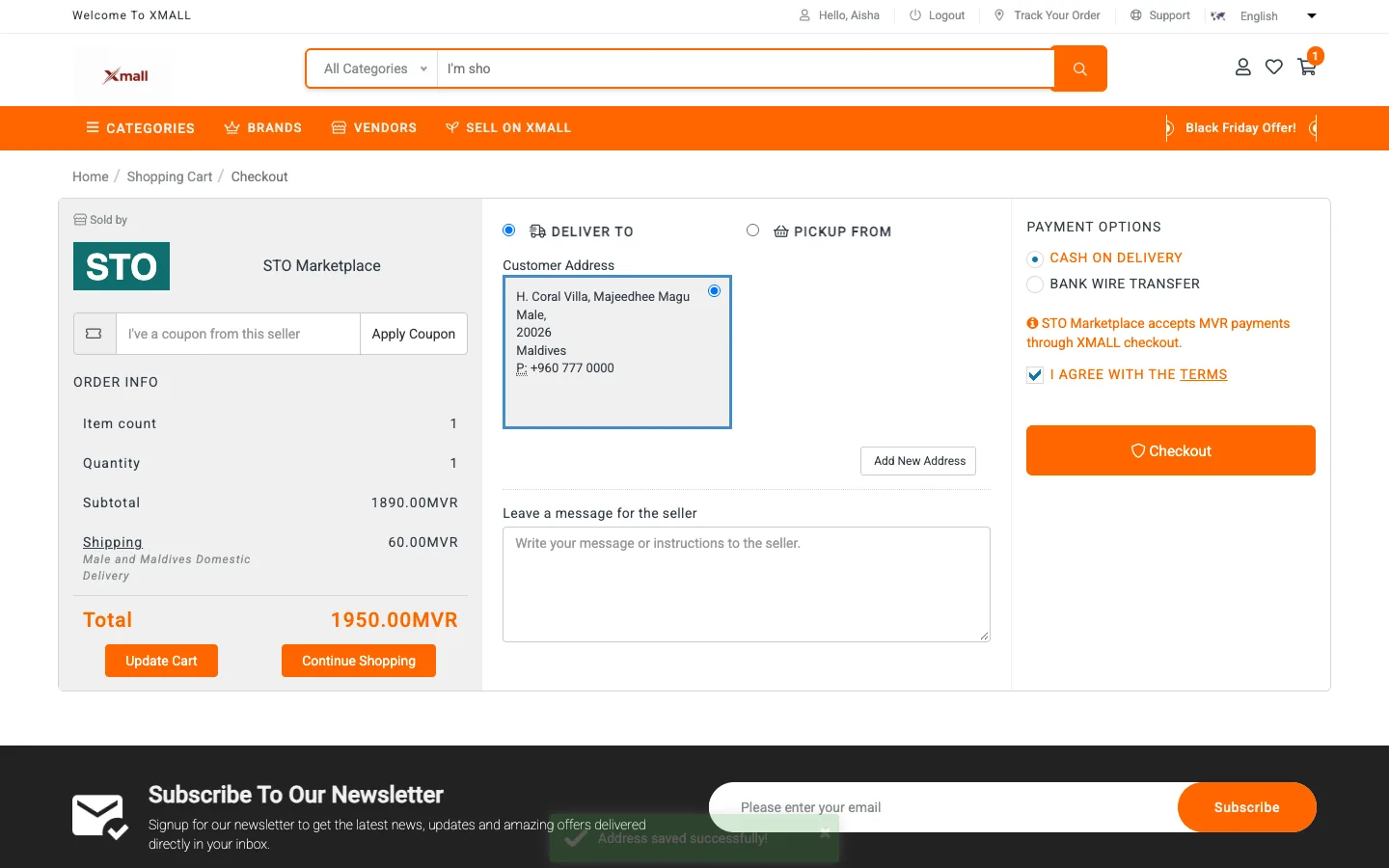
- Under Payment Options, choose how to pay. Only the methods this shop accepts are listed.
- Tick I agree with the terms and select Checkout.
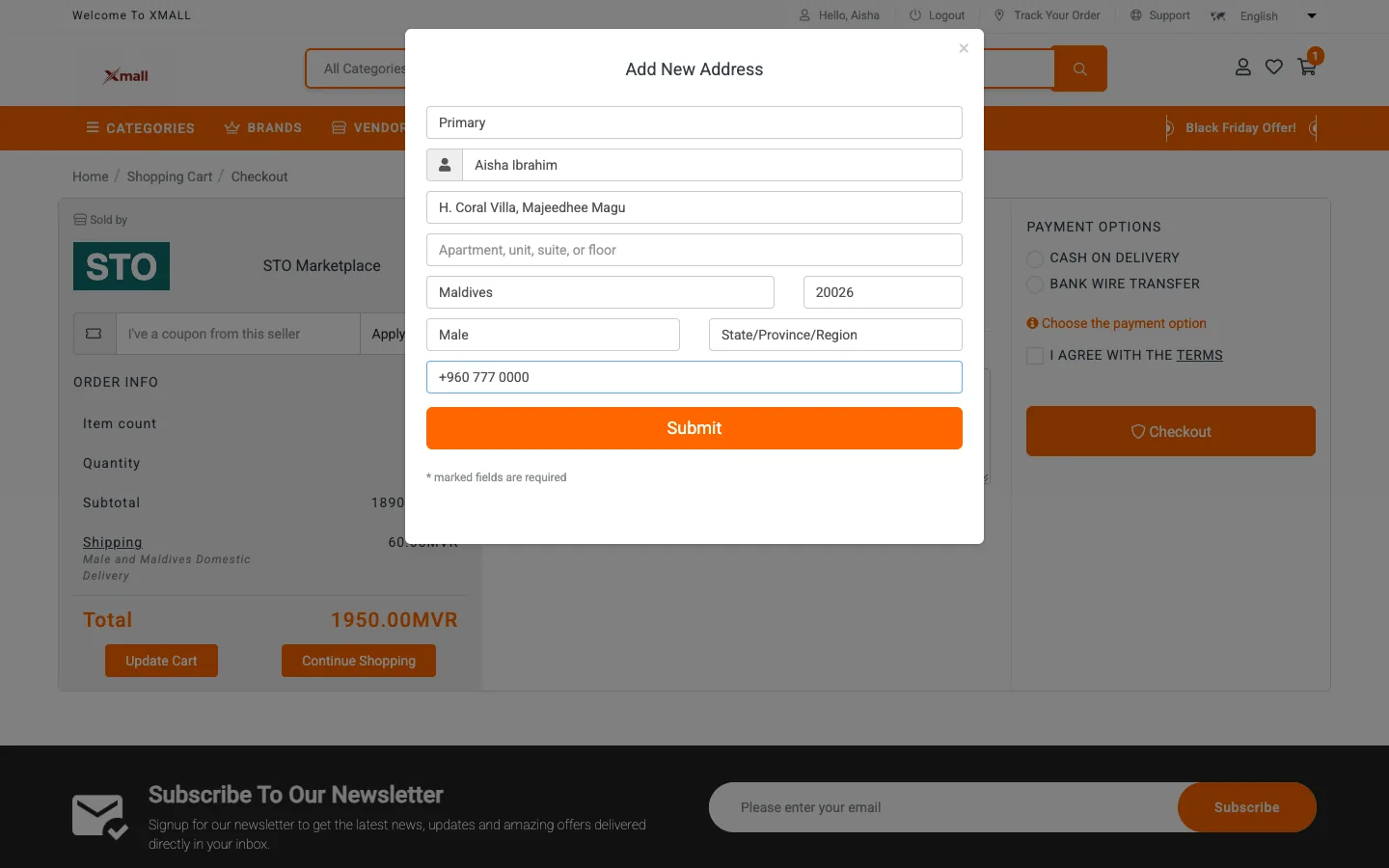
Adding an address
Select Add New Address and fill in the address type, name, address lines, city, postcode, country, atoll or state and phone number.
Placing the order
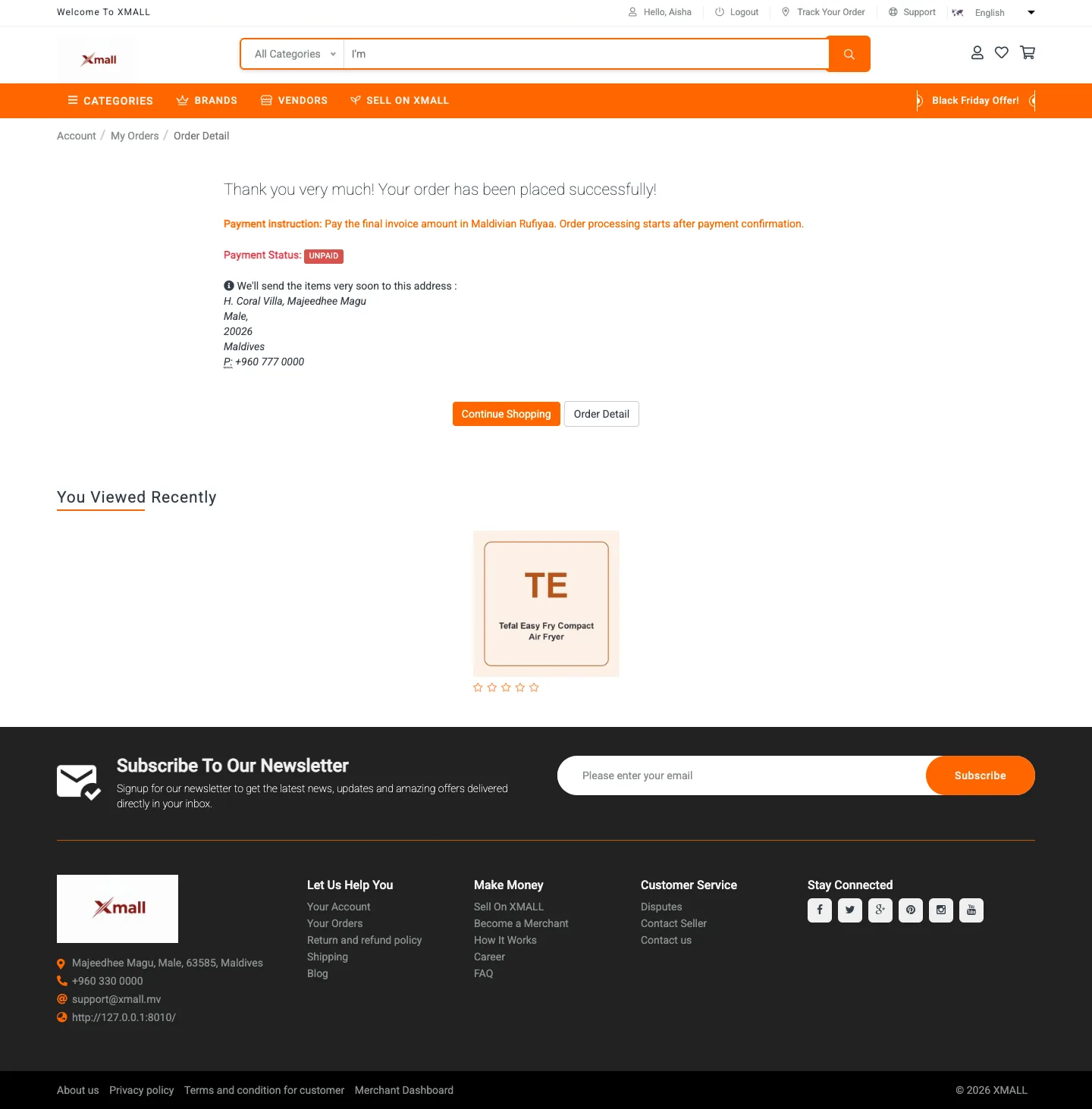
After you place the order you see a confirmation page with the payment status and delivery address, and you receive an email with your order number. Select Order Detail to open the order.